Wave Motion Effect – Wave Animation for Aseprite
🌊 Wave Motion FX – Advanced Procedural Wave Animation for Aseprite
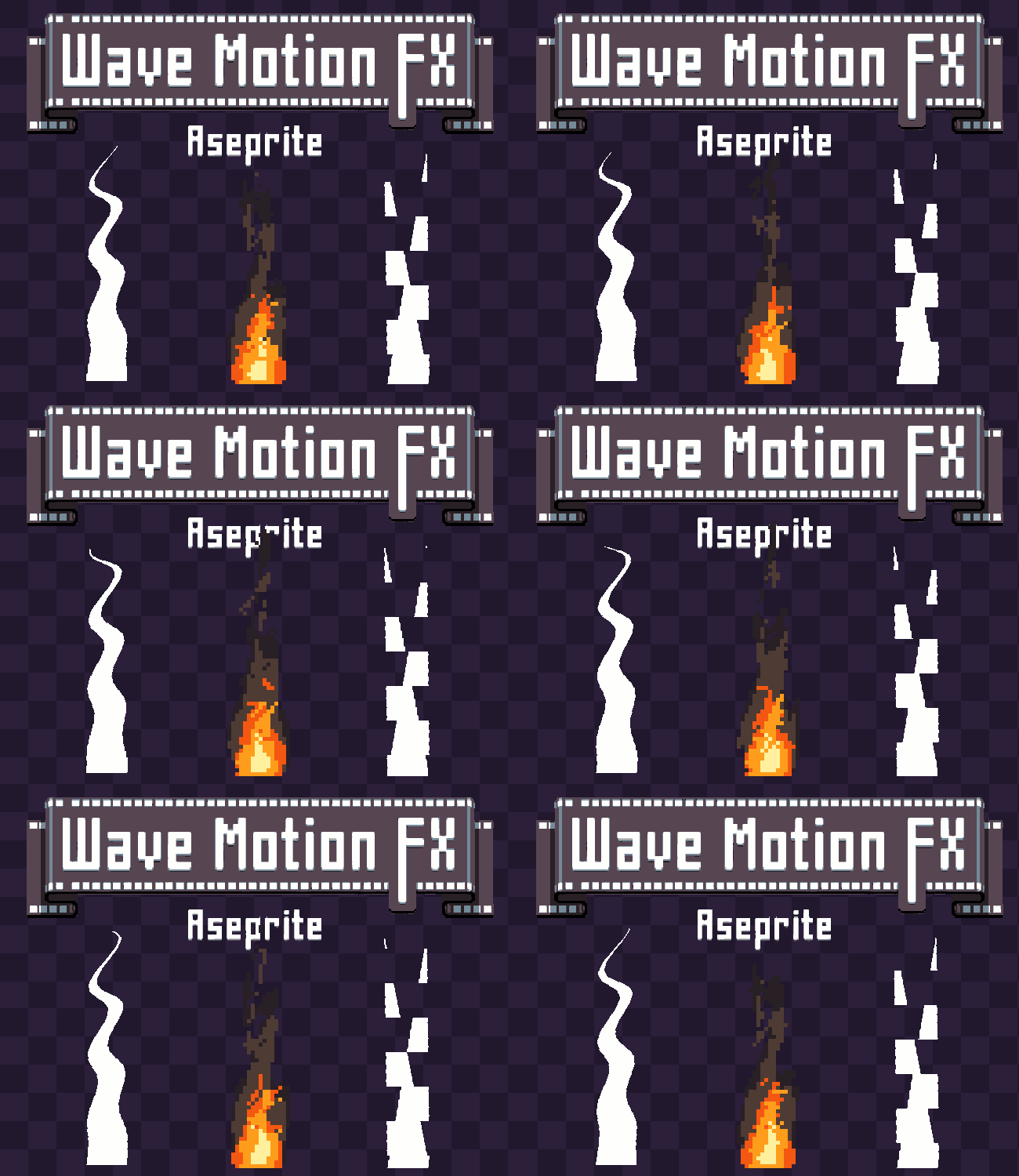
Wave Motion FX is a powerful Aseprite extension designed to generate fully animated wave distortions with dynamic lighting, advanced edge control, and real-time preview.
Built for pixel artists who want total control over motion, this tool goes far beyond simple sine waves — delivering complex procedural animations with performance optimization and smart preview scaling.
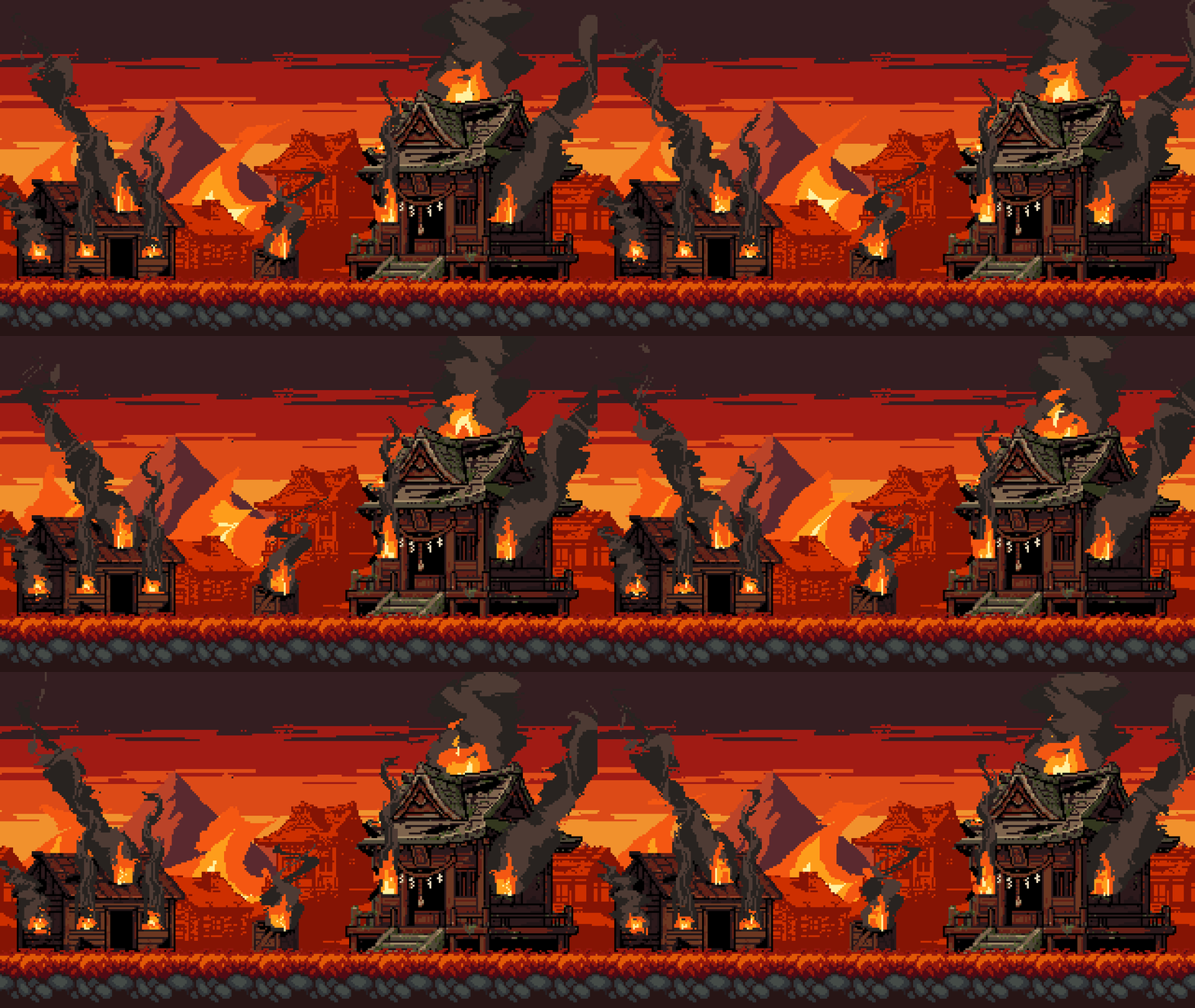
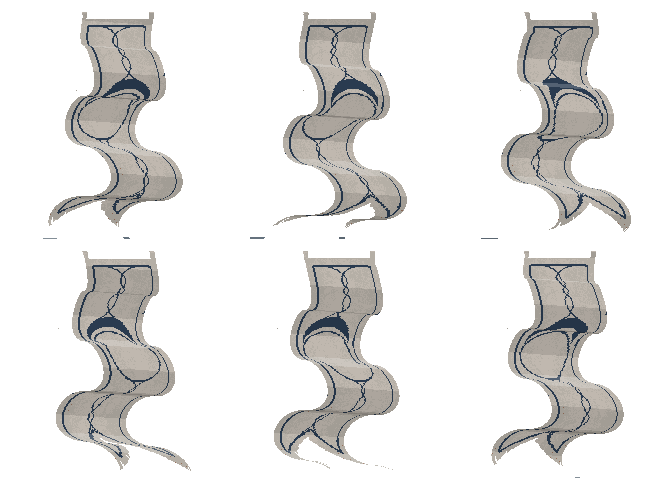
Perfect for water effects, heat distortion, energy pulses, shockwaves, magical auras, glitch effects, flags, fabric motion, abstract animation, and more.
✨ Key Features
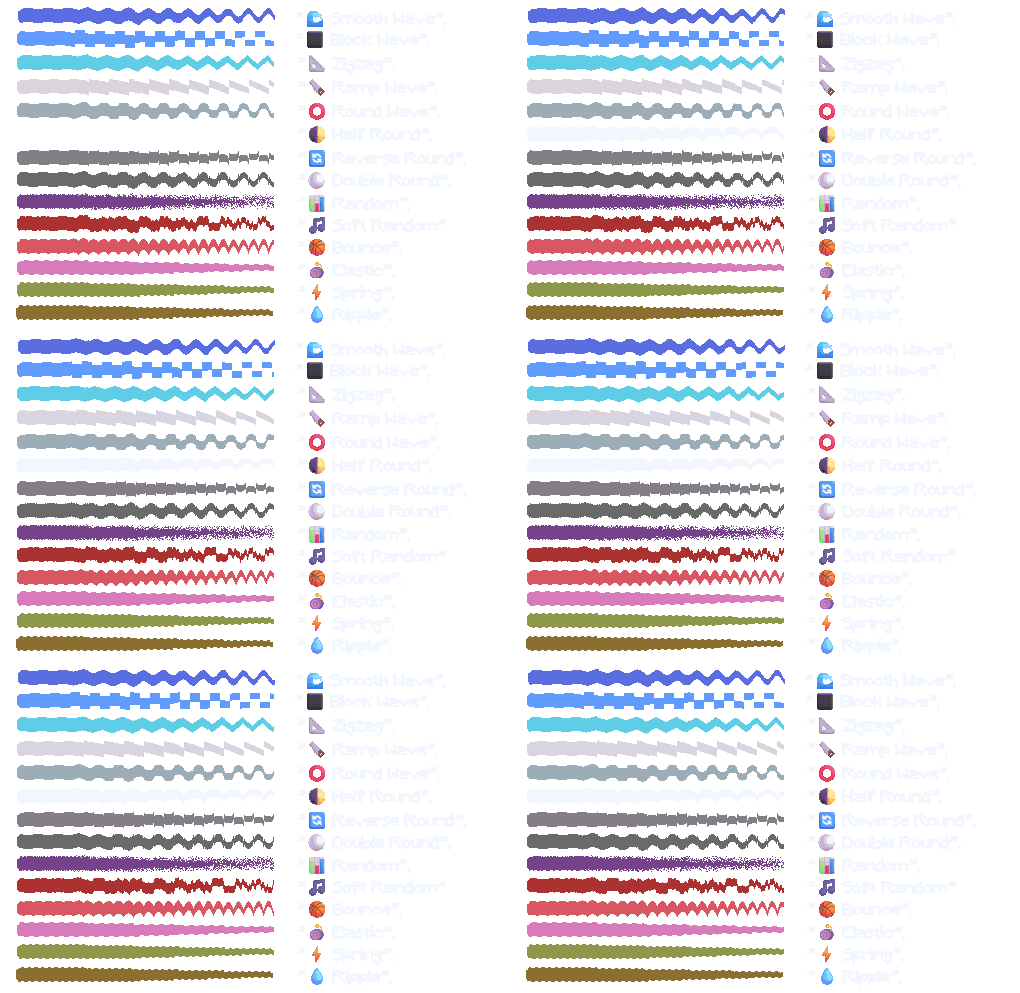
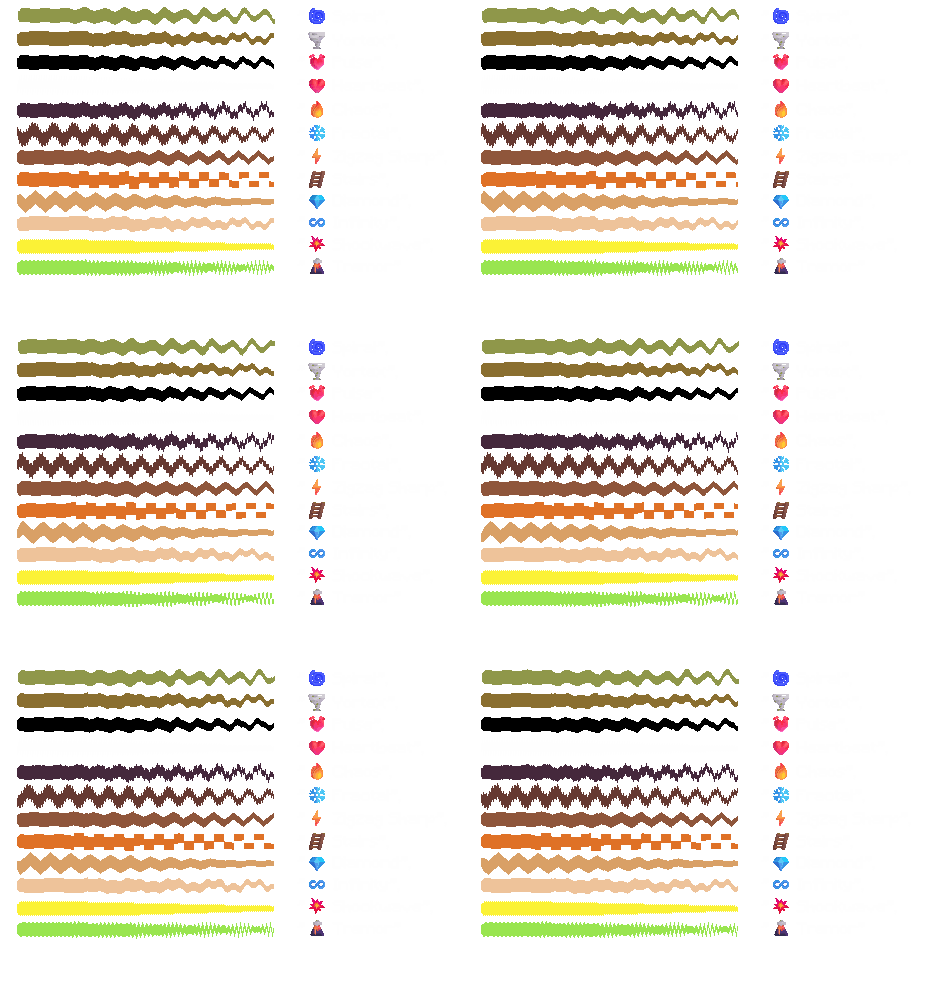
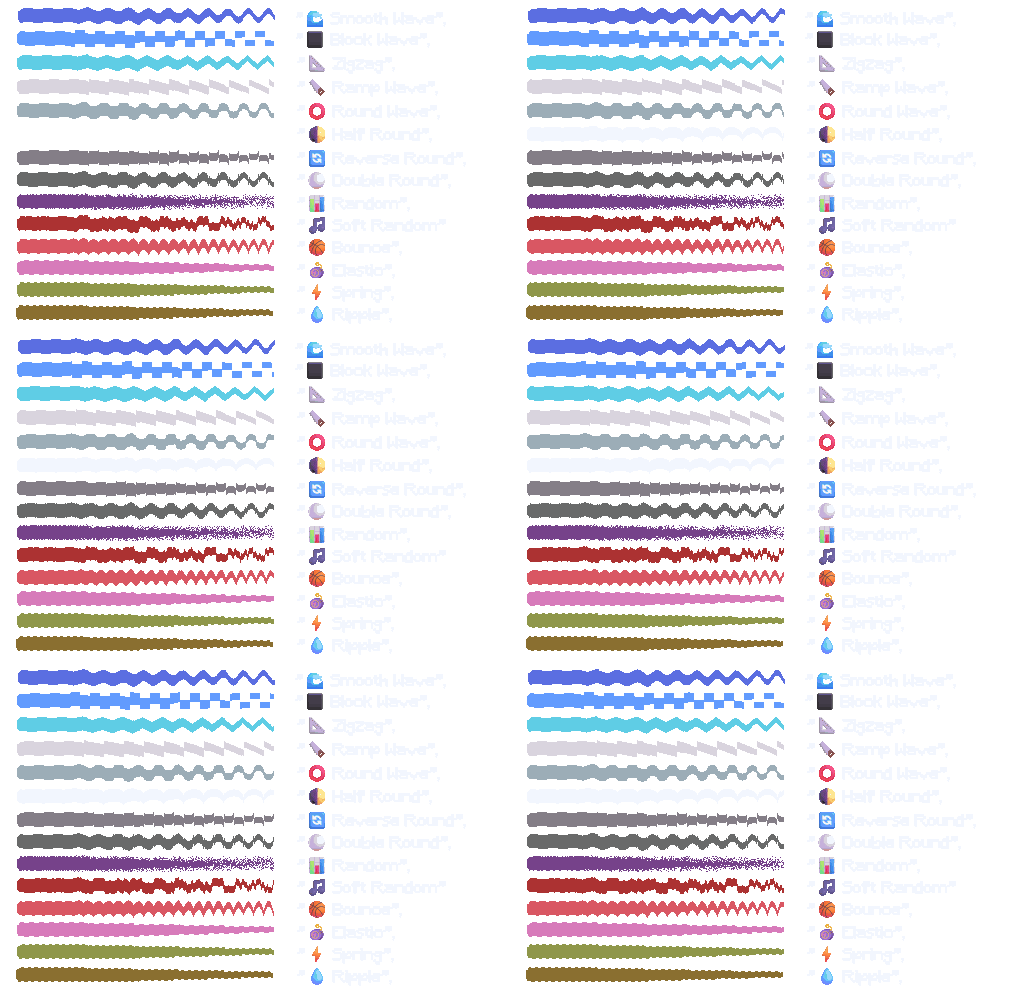
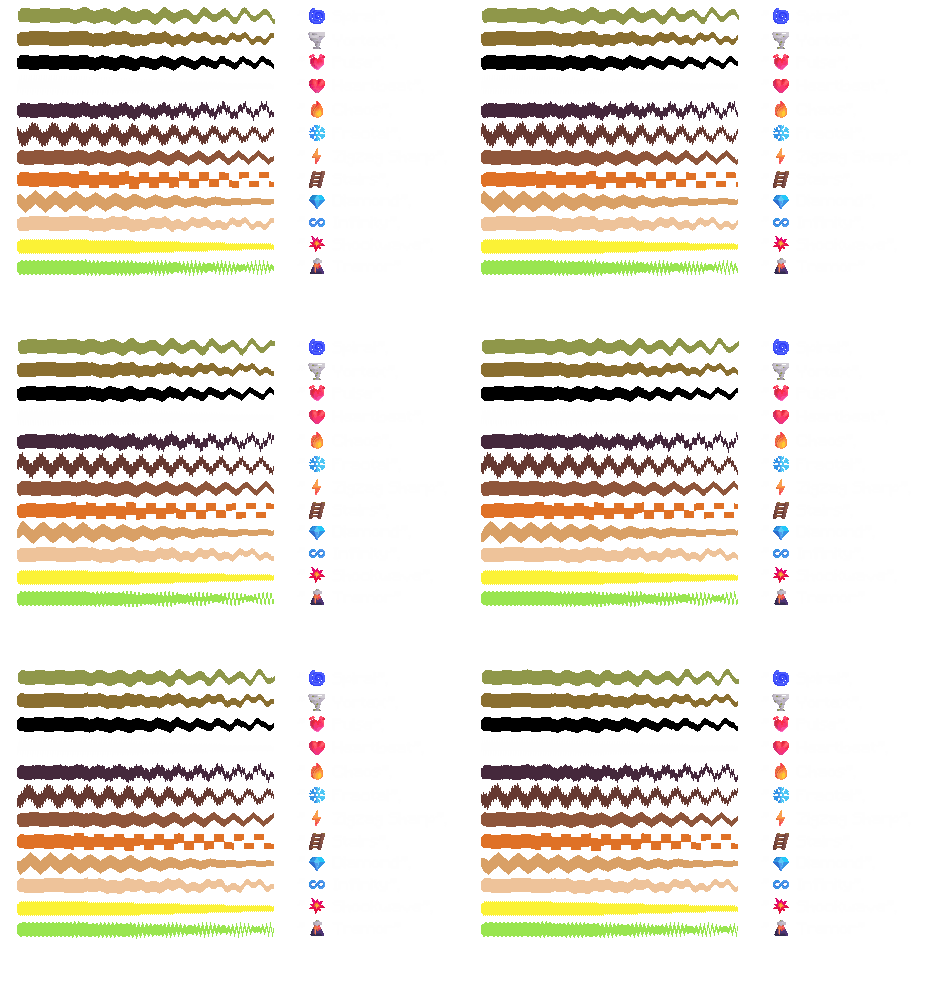
🎛 26 Motion Styles From smooth sine waves to chaos, fractals, heartbeat pulses, shockwaves, tremors, spirals, vortex effects, elastic bounce, ripple motion, and more.
🎯 18 Edge Lock Modes Anchor motion to:
-
Specific edges (top, bottom, sides)
-
Center or corners
-
Radial and ring modes
-
Diagonals
-
Checker patterns
-
Border-only deformation
-
And advanced cross & alternating systems
🎬 Real-Time Animated Preview
-
Live playback inside the UI
-
Adjustable playback speed
-
Frame offset control
-
Start-frame shifting
🖱 Interactive Preview Canvas
-
Zoom in/out
-
Drag to pan
-
Center view instantly
-
Automatic quality scaling for large sprites
💡 Dynamic Lighting System
-
Real-time slope-based shading
-
Soft shading mode
-
Sharp shading mode
-
Adjustable highlight & shadow intensity
-
Optional smooth edge interpolation
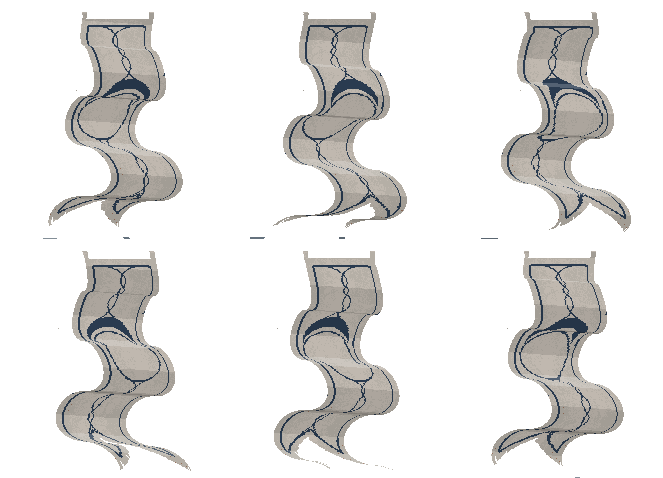
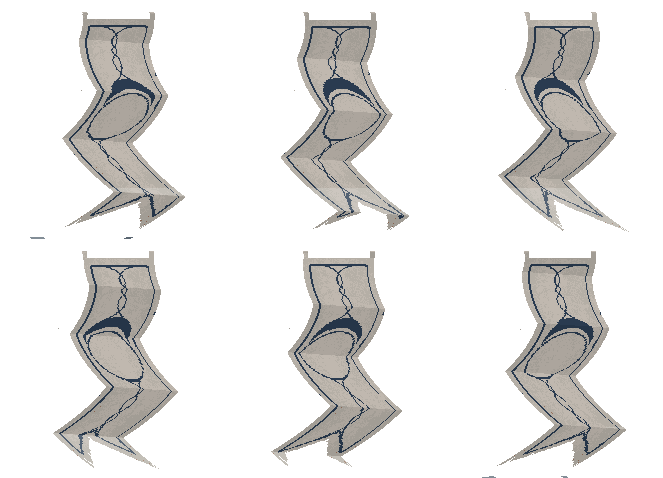
📦 Multi-Layer & Group Support Apply effects to multiple selected layers or entire layer groups simultaneously.
⚡ Smart Performance Optimization
-
Automatic preview quality scaling for large sprites
-
Preview throttling system
-
Internal caching for smooth workflow
-
Non-destructive parameter storage per laye
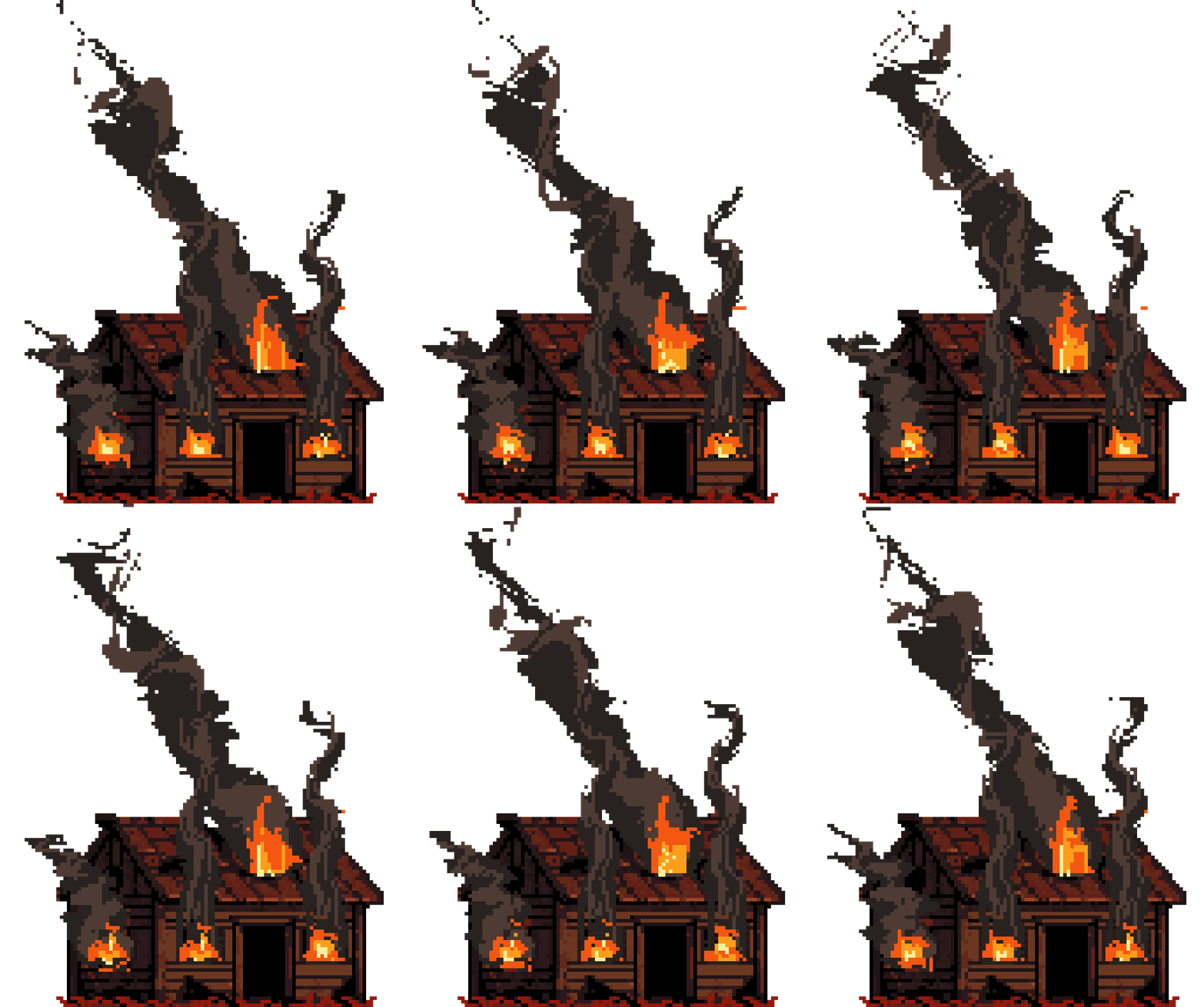
🎞 Automatic Frame Generation Generate full animation sequences instantly based on your chosen frame count.
🔧 How to Use
-
Open Aseprite
-
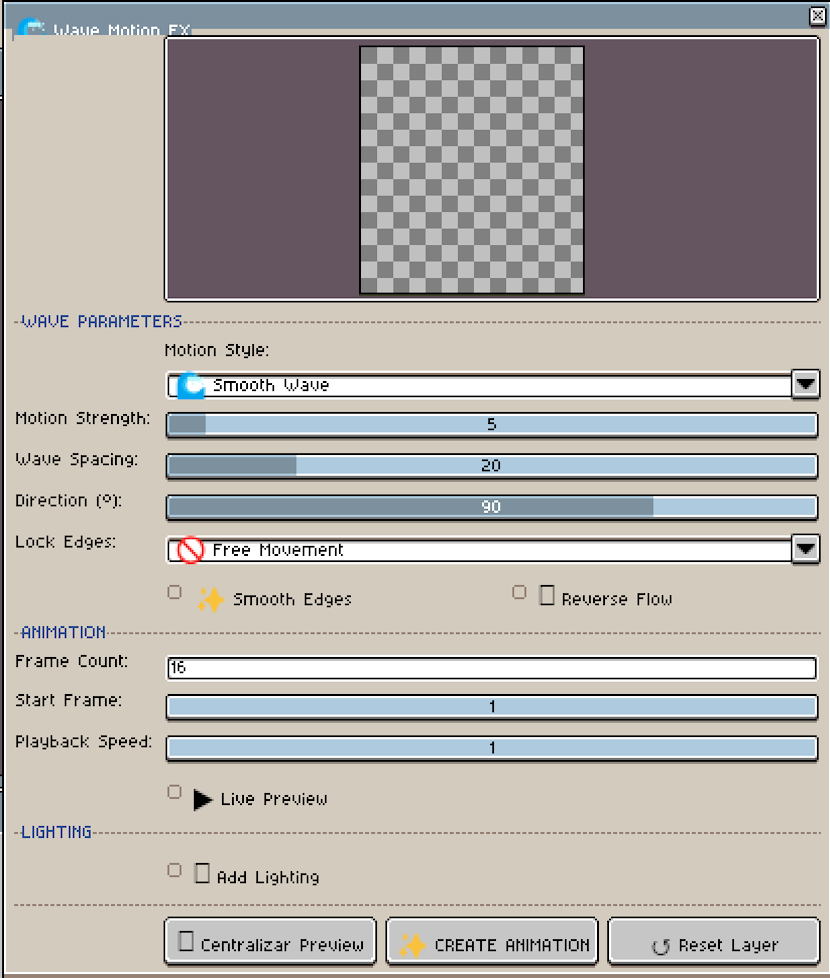
Go to Edit > FX > Wave Motion FX
-
Select one or multiple layers
-
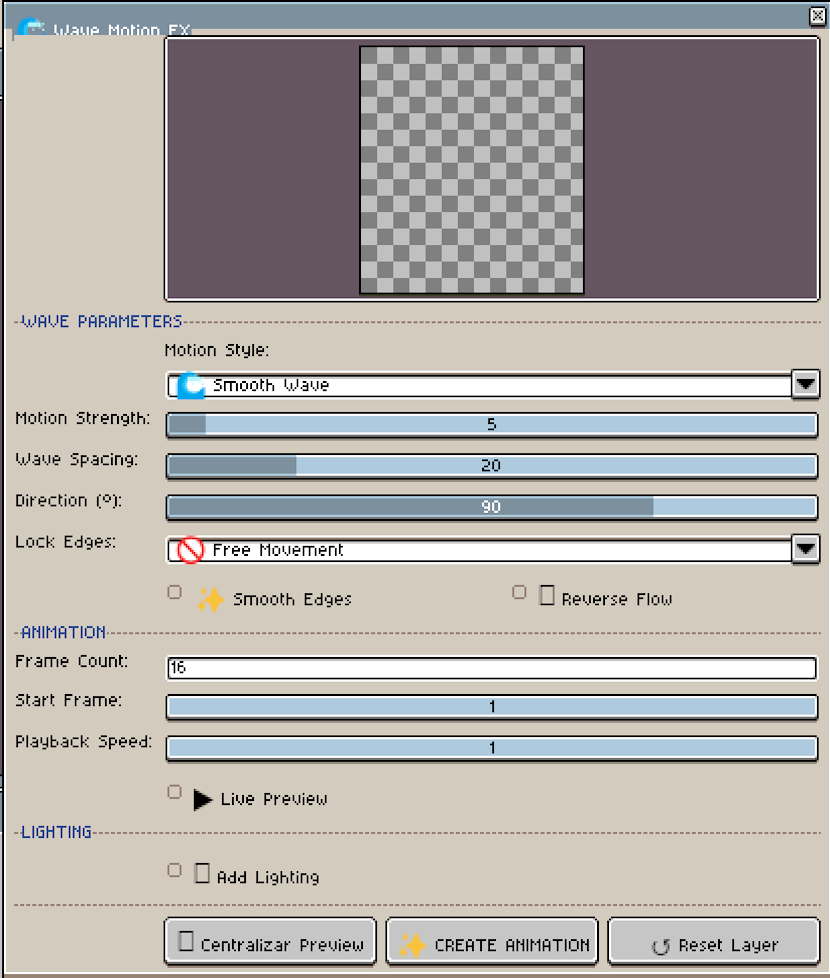
Adjust motion style, strength, spacing, and direction
-
Configure animation settings (frame count, speed, start offset)
-
Enable lighting if desired
-
Preview in real-time
-
Click ✨ CREATE ANIMATION
💡 Performance Notes
For very large sprites or multiple layers, the preview may slightly reduce quality automatically to ensure smooth interaction.
This does not affect the final generated animation quality.
✅ Compatibility
Requires Aseprite 1.3 or newer
(Recommended: Latest stable version)
💬 Feedback & Support
If you create something cool with Wave Motion FX, I’d love to see it!
Feel free to leave feedback, suggestions, or share your work.
⭐ Enjoying the tool?
If Wave Motion FX helps your workflow, please consider leaving a rating.
It really supports future development.
Purchase
In order to download this tool you must purchase it at or above the minimum price of $2.49 USD. You will get access to the following files:
Leave a comment
Log in with itch.io to leave a comment.