Effects Magic FX Generator - Aseprite
🪄 Magic / Spell FX – Procedural VFX Generator for Aseprite
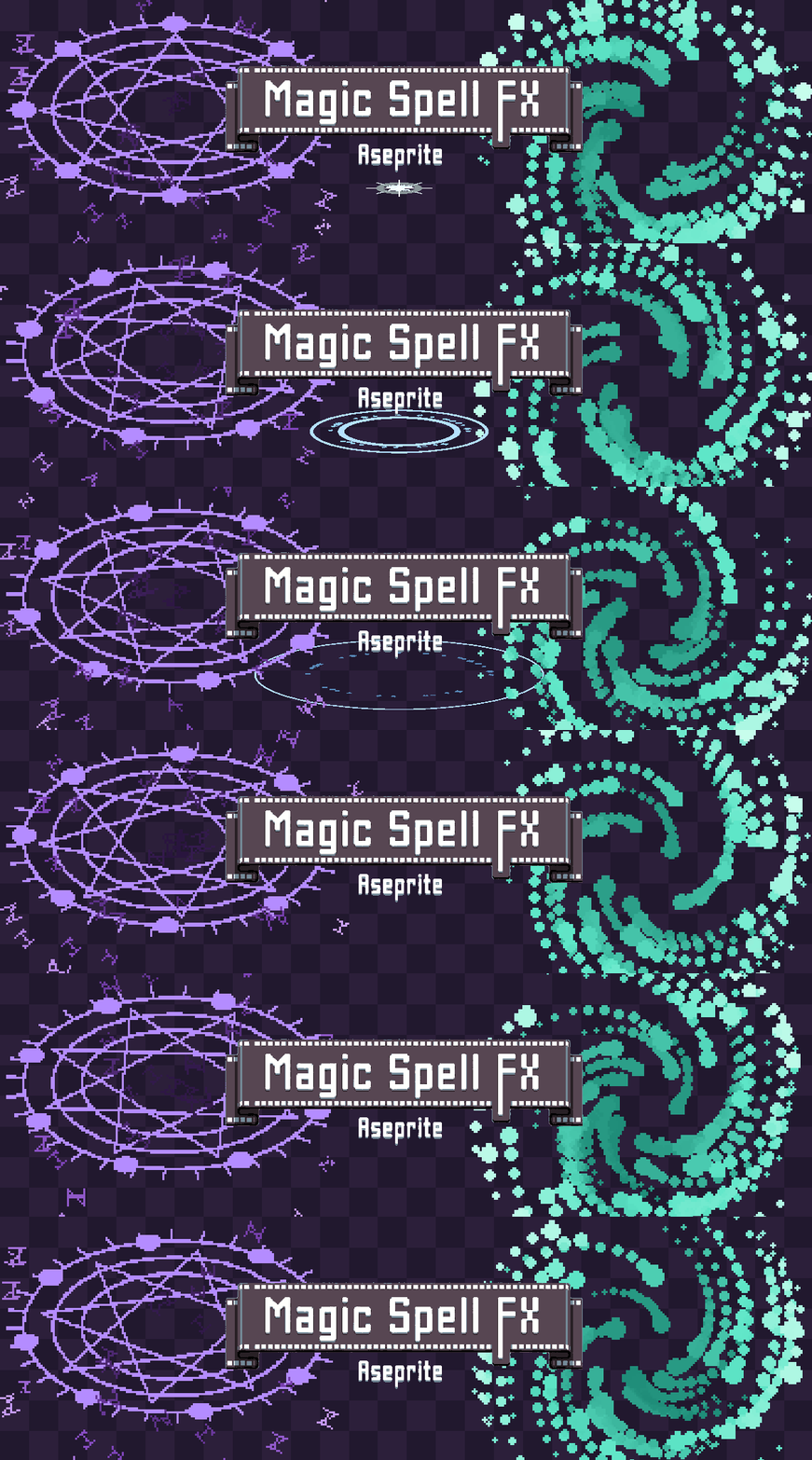
Magic / Spell FX Generator is a procedural VFX generator for Aseprite, designed specifically for pixel art.
Create magic circles, sigils, runes, energy auras, spell casts, elemental bolts, novas, portals, and wisps — directly inside Aseprite.
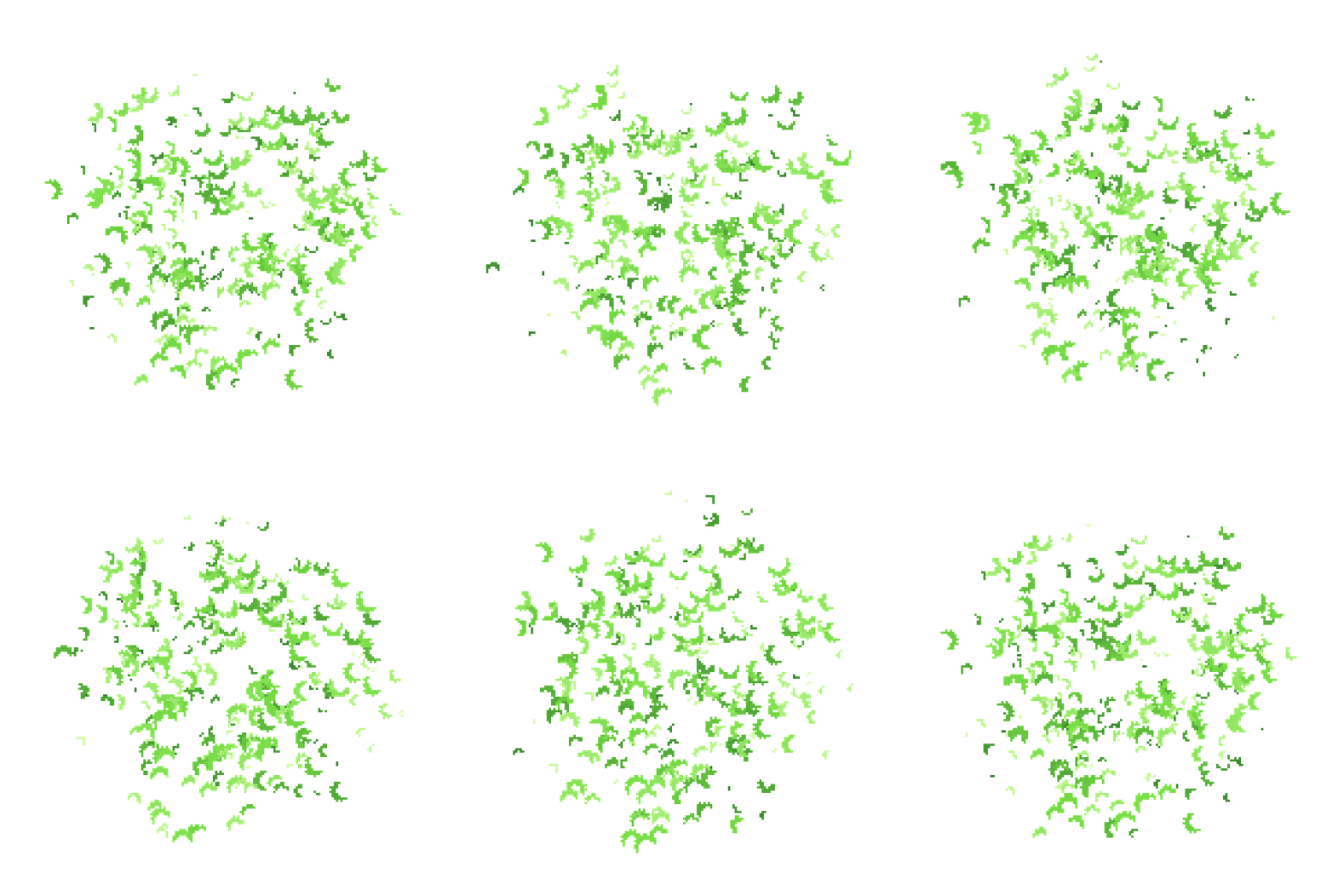
No source sprite needed: every mote is a generated shape colored from a ramp, or a rotating hue for prismatic arcana.
Instead of manually drawing every frame, build your spell effect from multiple procedural layers and let the plugin generate the animation for you.
Each effect is constructed from up to six independent layers:
🔯 Sigil ✨ Flare 🌊 Nova 💫 Motes 🌫️ Mist ⚡ Arc
Every layer has its own timing, behavior, colors, and parameters, allowing you to create complex spell effects while keeping full control over the final animation.
The result is baked directly into real Aseprite frames, ready to edit, export, and use in your game.
Every effect is generated by the same deterministic seeded engine that powers Impact / Explosion FX and Particle System 2D — same seed + same settings always reproduce the exact same result, frame for frame.
✨ Key Features
🔯 6-Layer Procedural VFX System
Build effects by combining up to six independent procedural layers:
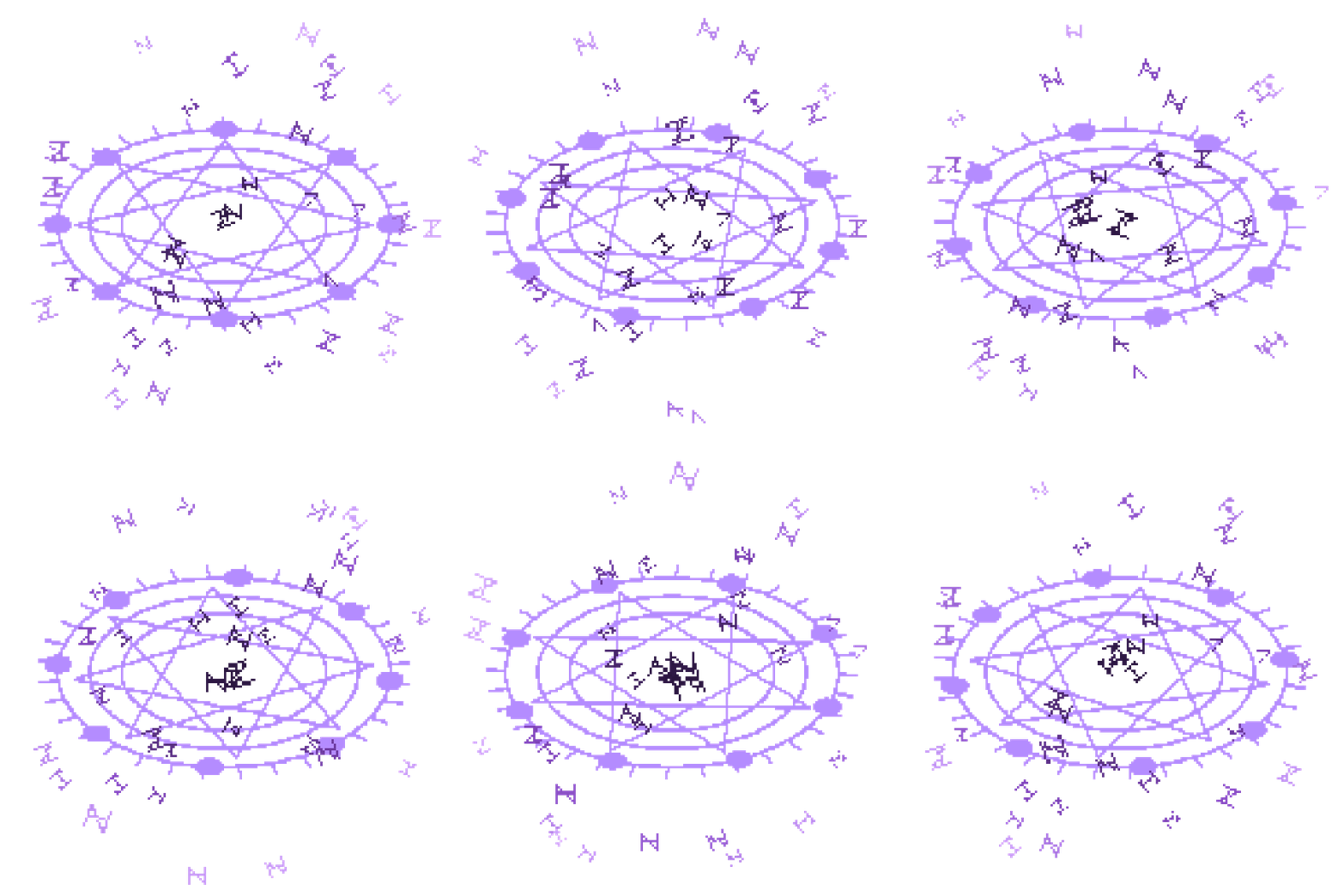
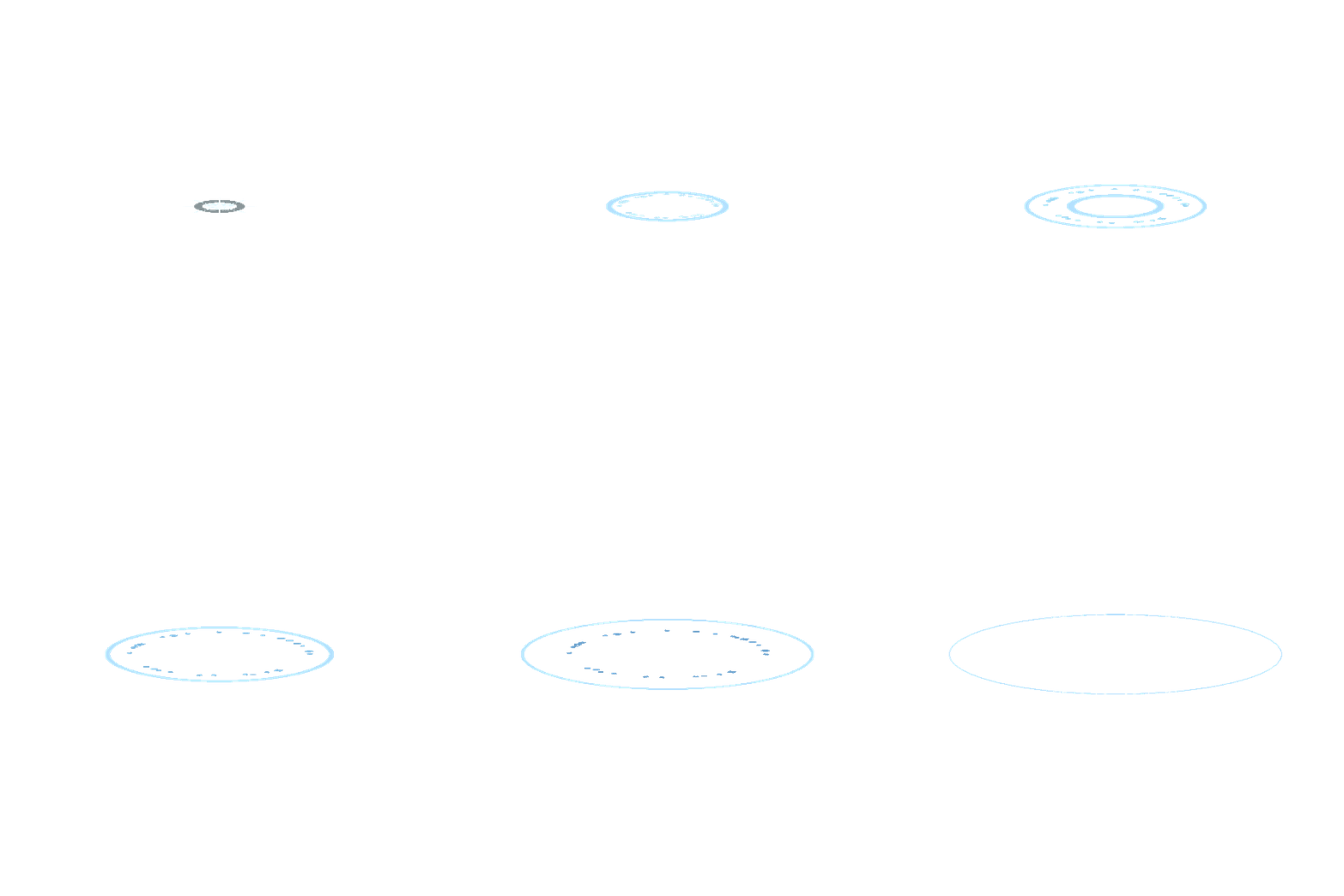
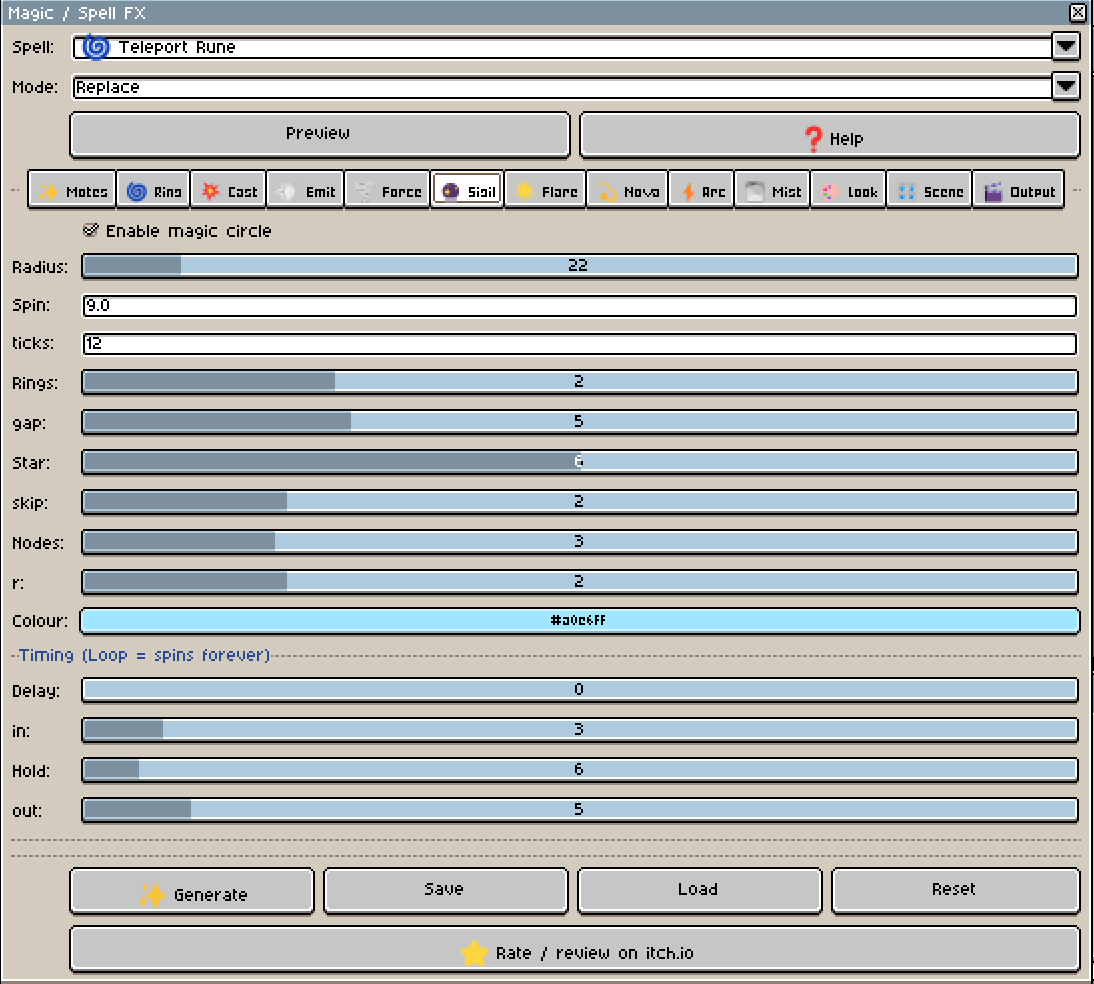
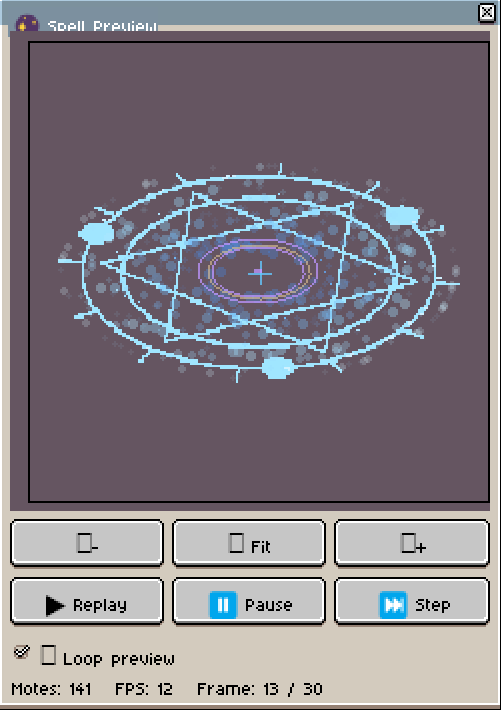
- 🔯 Sigil — a real procedural magic circle with concentric rings, an N-point star polygon (pentagram, hexagram, heptagram, and beyond), radial tick marks, and orbiting node dots. The sigil can draw itself on, hold, spin, and fade, or spin continuously in Loop mode
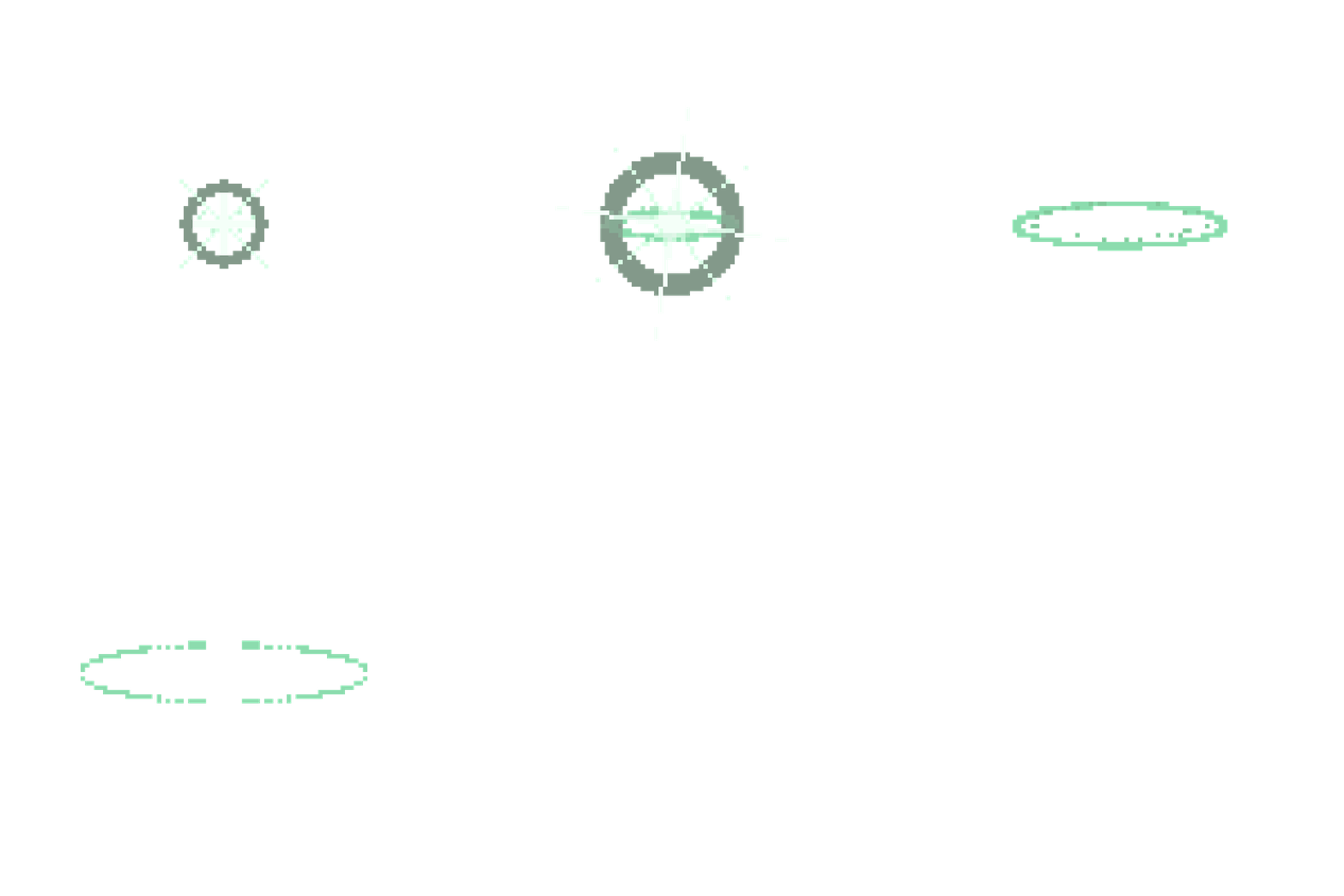
- ✨ Flare — irregular explosive flash generated procedurally, with Sparkle, Star, Rays, and Bloom styles
- 🌊 Nova — expanding ring that grows and becomes thinner, with an optional second ring
- 💫 Motes — burst particles with 11 procedural glyph shapes
- 🌫️ Mist — large particles that grow and fade over time
- ⚡ Arc — procedural branching lightning effect
- Each layer has its own start delay and duration, allowing you to create detailed multi-stage spell effects.
- You can enable or disable individual layers at any time.
🎛️ 50+ Ready-to-Use Spell Presets
Start with a finished spell instead of building everything from scratch. The plugin ships with 50+ presets covering nearly every kind of spell and magic VFX:
Circles / Sigils
- 🔮 Summoning Circle
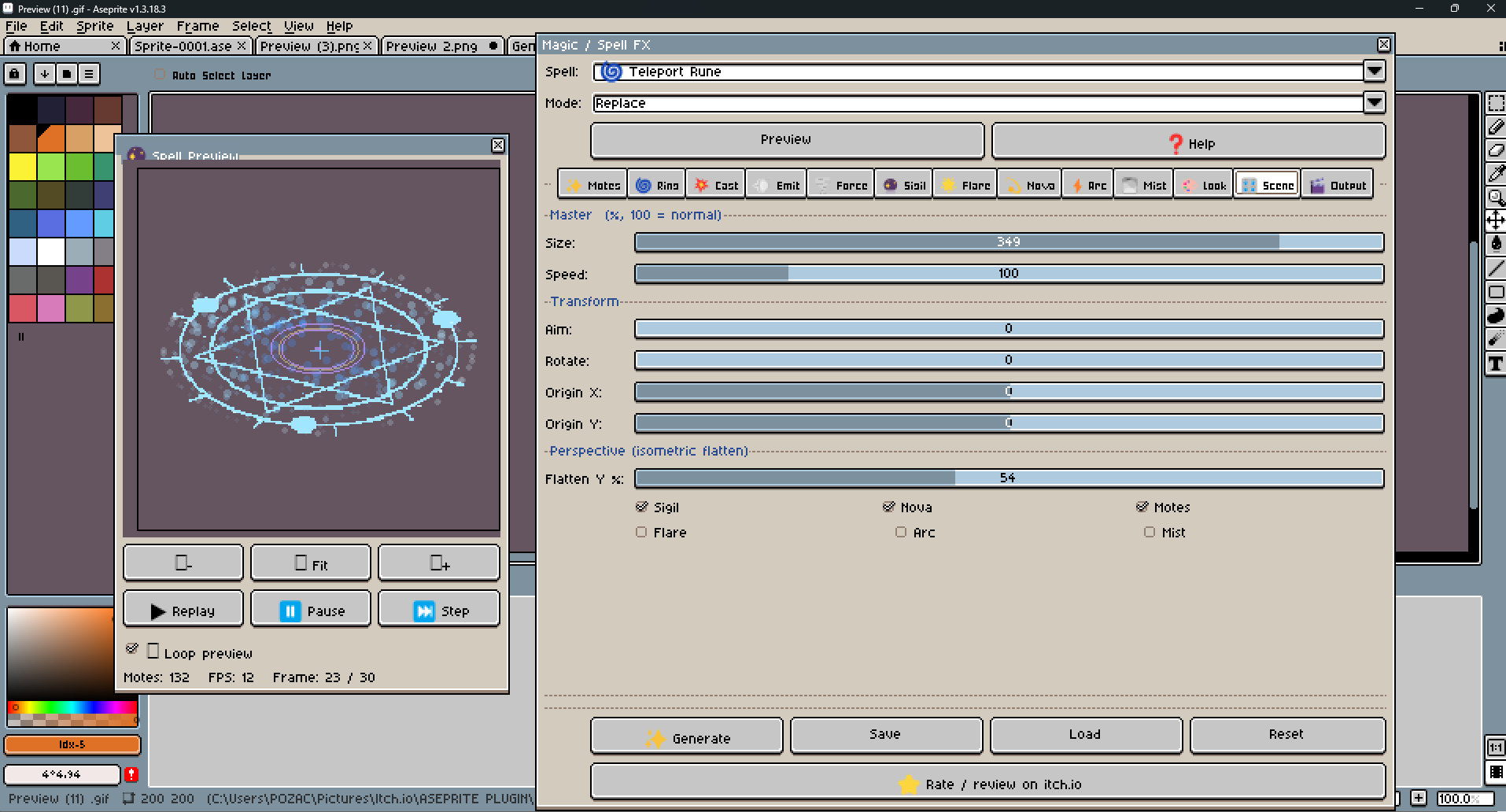
- 🌀 Teleport Rune
- 🛡️ Ward Sigil
- ⛓️ Binding Circle
- 📜 Ritual Array
- 🌌 Portal Glyph
- ✳️ Arcane Diagram
- ☀️ Solar Seal
Auras / Buffs
- ✨ Holy Aura
- 🌑 Shadow Aura
- 🔵 Mana Shield
- 🫧 Barrier Bubble
- 🙏 Blessing
- 💚 Regeneration
- 🧚 Haste Wisps
- 🧚 Spirit Veil
Casts / Charges
- 🔥 Fireball Charge
- ❄️ Frostbolt Cast
- 🟣 Arcane Missile
- 🔮 Chaos Bolt Charge
- ☄️ Meteor Call
- 🌩️ Lightning Conjure
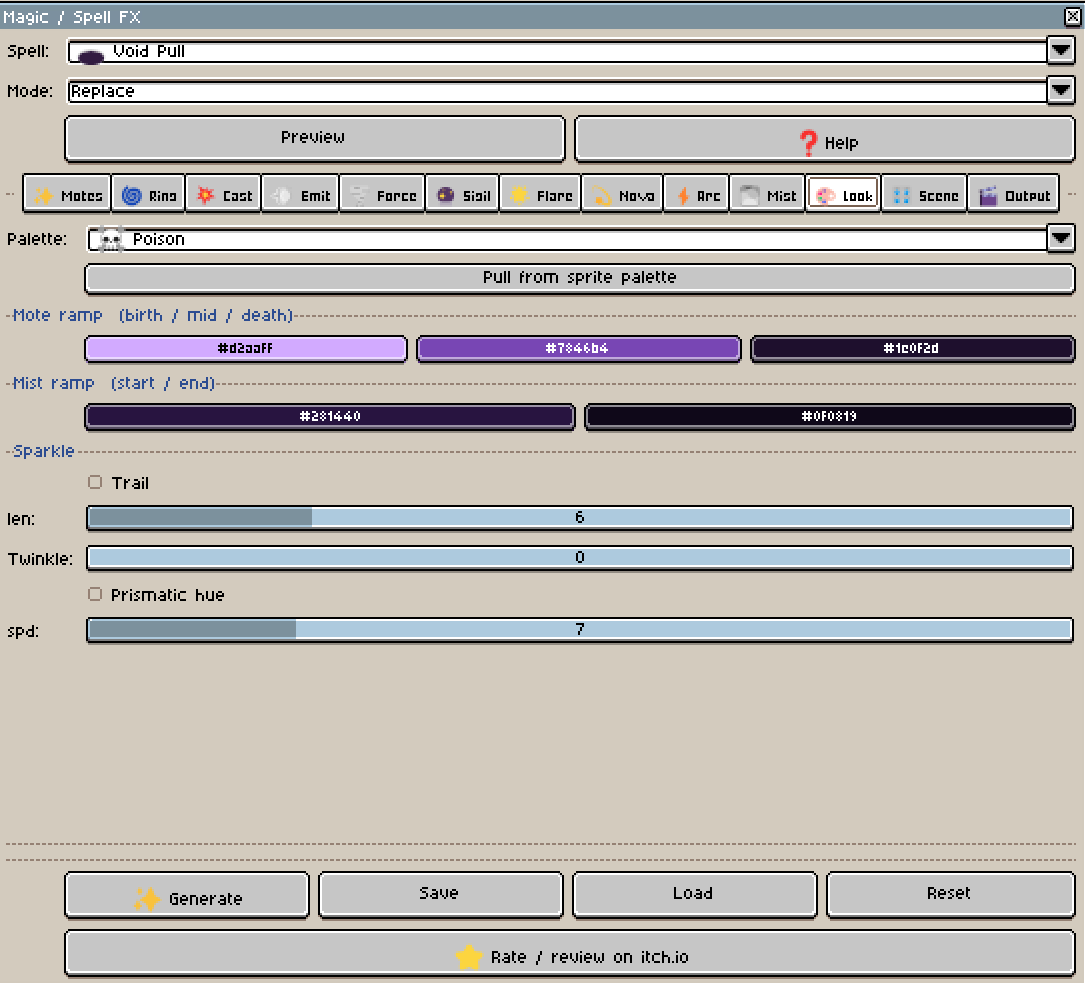
- 🕳️ Void Pull
- 🌠 Starfall Cast
- ☝️ Healing Word
- 🔨 Smite
Novas / Bursts
- 🔥 Fire Nova
- ❄️ Frost Nova
- ✨ Holy Nova
- 🟣 Arcane Explosion
- ☠️ Poison Burst
- 💀 Necrotic Blast
- 🌟 Radiant Burst
- 🌈 Prismatic Burst
- ⚡ Thunderclap
- 💫 Blink Flash
- 🌋 Ember Nova
- 🌫️ Miasma Nova
Ambient / Wisps (Loop)
- 🧚 Will-o-Wisp
- ✦ Ember Swarm
- ❄️ Snowfall Glimmer
- 🌠 Falling Stars
- 🧚 Pixie Trail
- 👁️ Soul Motes
- 🟢 Cursed Fog
- 🌌 Aurora Veil
- 🪄 Mana Fireflies
- ⭐ Starlight
Elemental Rings (Loop)
- 🔥 Inferno Ring
- 🧊 Glacier Ring
- ⚡ Storm Ring
- ☠️ Venom Ring
Presets can be used as a starting point and then completely customized to fit your game.
The plugin also supports Replace and Add preset modes, allowing multiple preset layers to be combined into a single effect.
🔯 Procedural Sigils / Magic Circles
- Generate real procedural magic circles without needing a source sprite.
- Control:
- Radius
- Number of rings
- Ring gap
- Star points
- Star skip — pentagram, hexagram, heptagram, and beyond
- Radial tick marks
- Orbiting nodes
- Node size
- Spin speed
- Draw-in timing
- Hold timing
- Fade-out timing
- Color
Perfect for:
- 🔮 Summoning circles
- 🌀 Teleport runes
- 🛡️ Wards
- 📜 Rituals
- 🌌 Portals
- ✨ Arcane spells
Create circles that draw themselves in before the cast, hold their shape, spin, and then fade away.
💫 Procedural Motes
- Create spell particles without needing a source sprite.
- Choose from 11 procedural glyph shapes:
- Pixel
- Circle
- Diamond
- Line
- Triangle
- Spark
- Star4
- Star5
- Star6
- Crescent
- Rune
Control:
- Particle count (up to 200 at once)
- Size
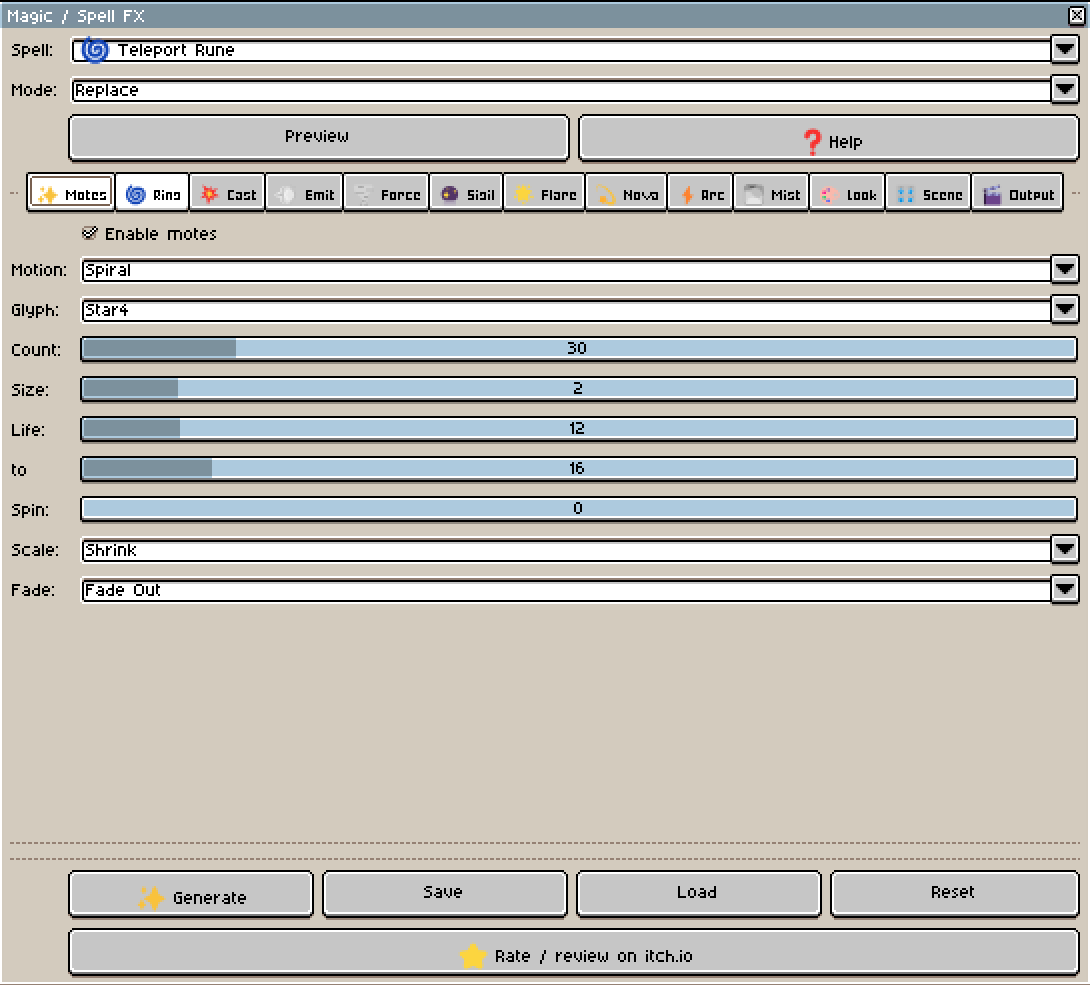
- Motion type — Burst, Orbit Ring, Radial Pulse, Converge, Spiral, Wander
- Speed
- Gravity
- Drag
- Lifetime
- Spin
- Scale behavior — Constant, Shrink, Grow, Grow-Shrink
- Opacity behavior — Constant, Fade In-Out, Fade In, Fade Out
- Color ramps (3-stop, start/mid/end)
- Fading dotted mote trails for comet / wisp effects
- Twinkle — per-mote opacity shimmer for star-field sparkle
- Prismatic — hue rotates over a mote's lifetime instead of using a fixed color ramp
- Motes can converge toward the center, spiral in or out, or wander in an ambient drift.
- Perfect for:
- 🌀 Teleportation
- 🕳️ Energy absorption
- ✨ Buffs
- 🧚 Wisps
- 🌌 Ambient magic
- 🔮 Spell casts
🌊 Dynamic Novas
- Generate expanding energy rings procedurally.
- Control:
- Minimum radius
- Maximum radius
- Start thickness
- End thickness
- Duration
- Start delay
- Color
- Optional second nova ring with its own delay and radius
Perfect for:
- ✨ Spell casts
- 🛡️ Ward pulses
- 👊 Boss attacks
- 🔥 Elemental novas
- 💥 Magical bursts
The nova is generated as a rasterized expanding ring, making it suitable for pixel-art animation.
✨ Procedural Flare
- Create explosive spell flashes without manually drawing the shape.
- Choose between:
- Sparkle
- Star
- Rays
- Bloom
Control:
- Number of spikes
- Inner radius
- Maximum radius
- Anamorphic streak length
- Spin
- Duration
- Start delay
- Color
The irregular shape is filled procedurally and jittered per spike, giving each cast a more organic, non-repeating pixel-art appearance.
⚡ Procedural Arc
- Add branching elemental bolts to your spells.
- Control:
- Bolt length
- Number of segments
- Displacement
- Branch probability
- Duration
- Color
- Direction
The lightning is built with recursive midpoint-displacement and uses its own independent deterministic random stream, keeping bolt flicker separate from the rest of the simulation.
Perfect for:
- ⚡ Lightning conjures
- 🔮 Arcane missiles
- 🌩️ Storm rings
- ⚡ Elemental strikes
- 💠 Energy attacks
🌫️ Procedural Mist
- Create secondary mist automatically after a cast, ritual, or magical impact.
- Control:
- Mist count (up to 100 at once)
- Size
- Speed
- Gravity
- Drag
- Lifetime
- Scale curve — Constant, Shrink, Grow, Grow-Shrink
- Opacity curve — Constant, Fade In-Out, Fade In, Fade Out
- Color ramp
- Start delay
Mist particles can grow and fade naturally, making them ideal for:
- ☠️ Necrotic blasts
- 🟢 Cursed fog
- 🕳️ Void pulls
- 🌫️ Lingering spell effects
- 🔮 Ritual magic
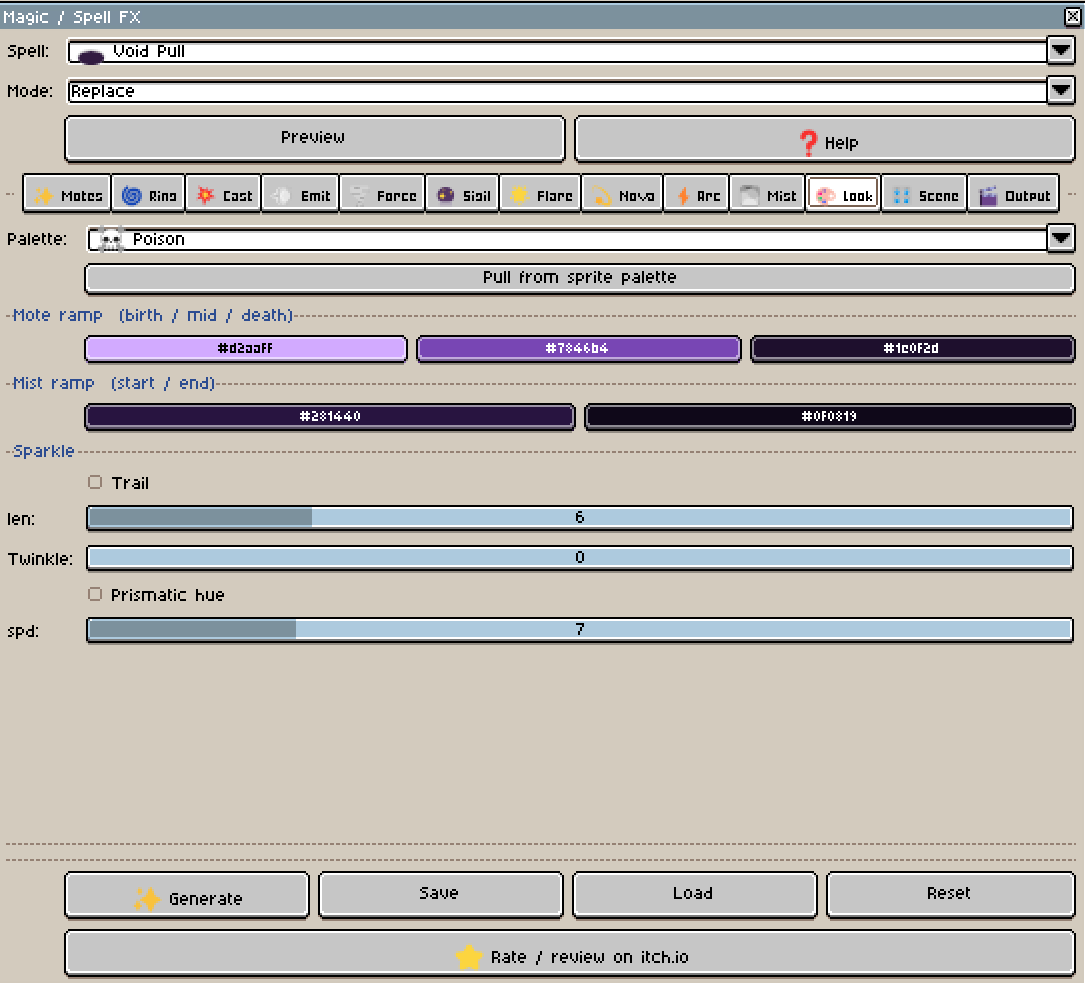
🎨 Color Palettes
- Customize the entire visual style of your spell.
- Each layer can use its own color ramp.
- Included ready-made elemental palettes:
- 🔥 Fire
- 🧊 Ice
- ⚡ Storm
- ☠️ Poison
- ✨ Holy
- 🟣 Shadow
- 🟡 Arcane
- 🌿 Nature
- 💧 Water
- 💀 Necrotic
- One click recolors Sigil, Flare, Nova, Motes, Mist, and Arc together.
- You can also create your own custom colors.
🌪️ Advanced Forces
- Add more organic movement to your effects with procedural forces.
- Turbulence — Adds procedural, adjustable-frequency jitter to Motes and Mist.
Vortex — Creates a spiral / tangential force, useful for teleportation, magical implosions, energy absorption, and swirling motes.
These forces can be combined with the normal physics simulation.
🎯 Directional Effects & Area Control
- Control exactly where motes are emitted.
- Set:
- Direction angle
- Spread
- Global effect angle
- Global rotation
- Origin offset
- Emission arc
The emission arc can also clip Flare, Nova, and Arc into a dome, making it easy to create casts and blessings that fan out from above instead of spraying in every direction.
🪞 Perspective Flatten
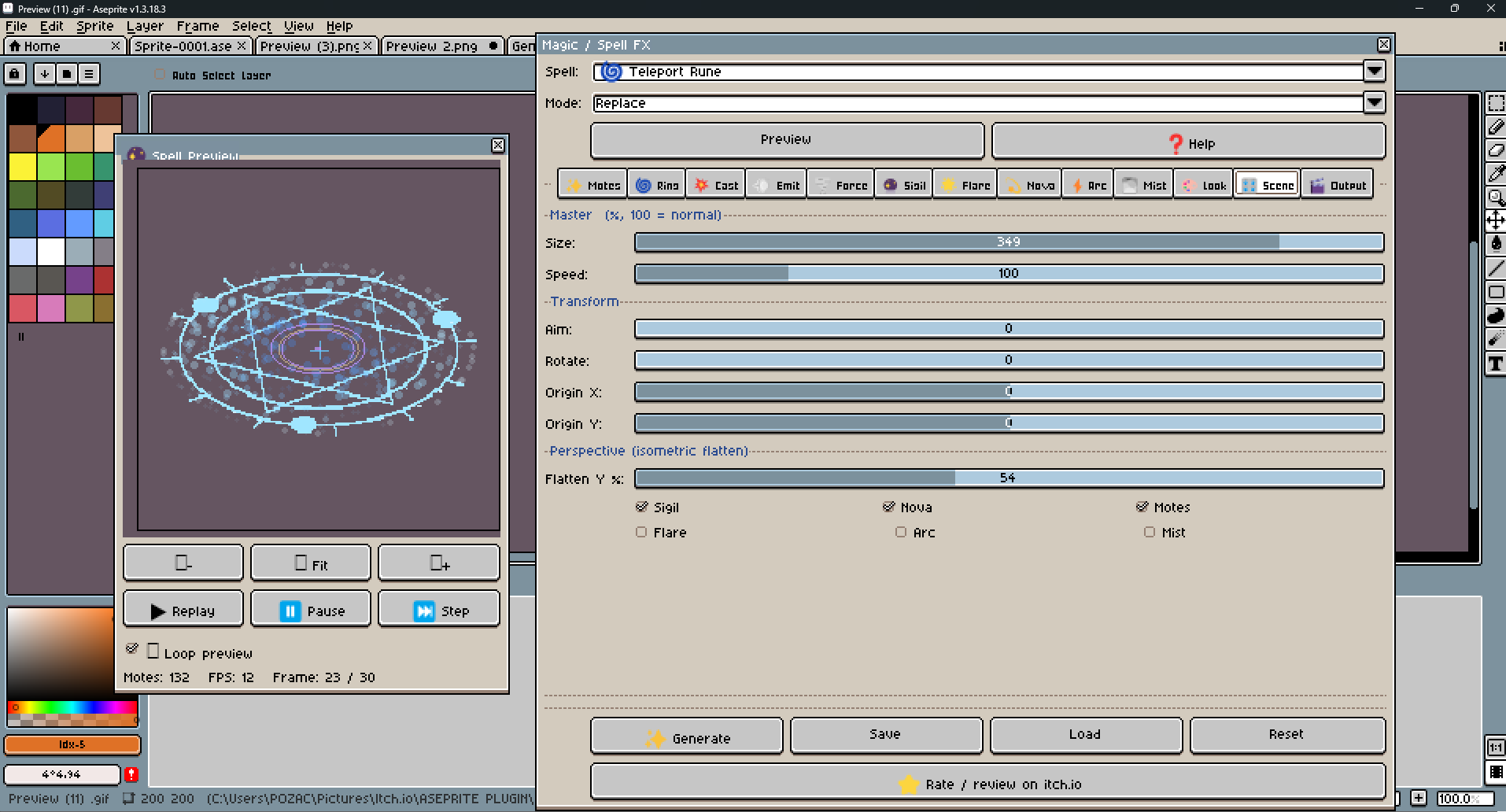
- Squash any layer on the Y axis around the origin so a circle reads as a ground ellipse.
- This is ideal for isometric or top-down spells.
- Each layer opts in independently, so a Sigil can hug the floor while its Motes remain perfectly round.
🎚️ Global Size & Speed Controls
- Quickly adjust the entire spell without manually changing every layer.
- Global Size — Scales the effect's dimensions, radius, mote travel, and other spatial properties.
- Global Speed — Changes mote movement speed while keeping the layer timing intact.
- This makes it much faster to create small, fast spells or large, slow magical effects from the same base preset.
👁️ Real-Time Preview
- Preview your spell before generating the final animation.
- Controls include:
- ️ Play
- ⏸️ Pause
- 🔁 Play Once or Loop preview modes
- Mouse-wheel zoom
- Drag-to-pan
- Live particle count
- Frame statistics
The preview makes it easy to tune timing, scale, mote count, colors, and movement before baking the result into your sprite.
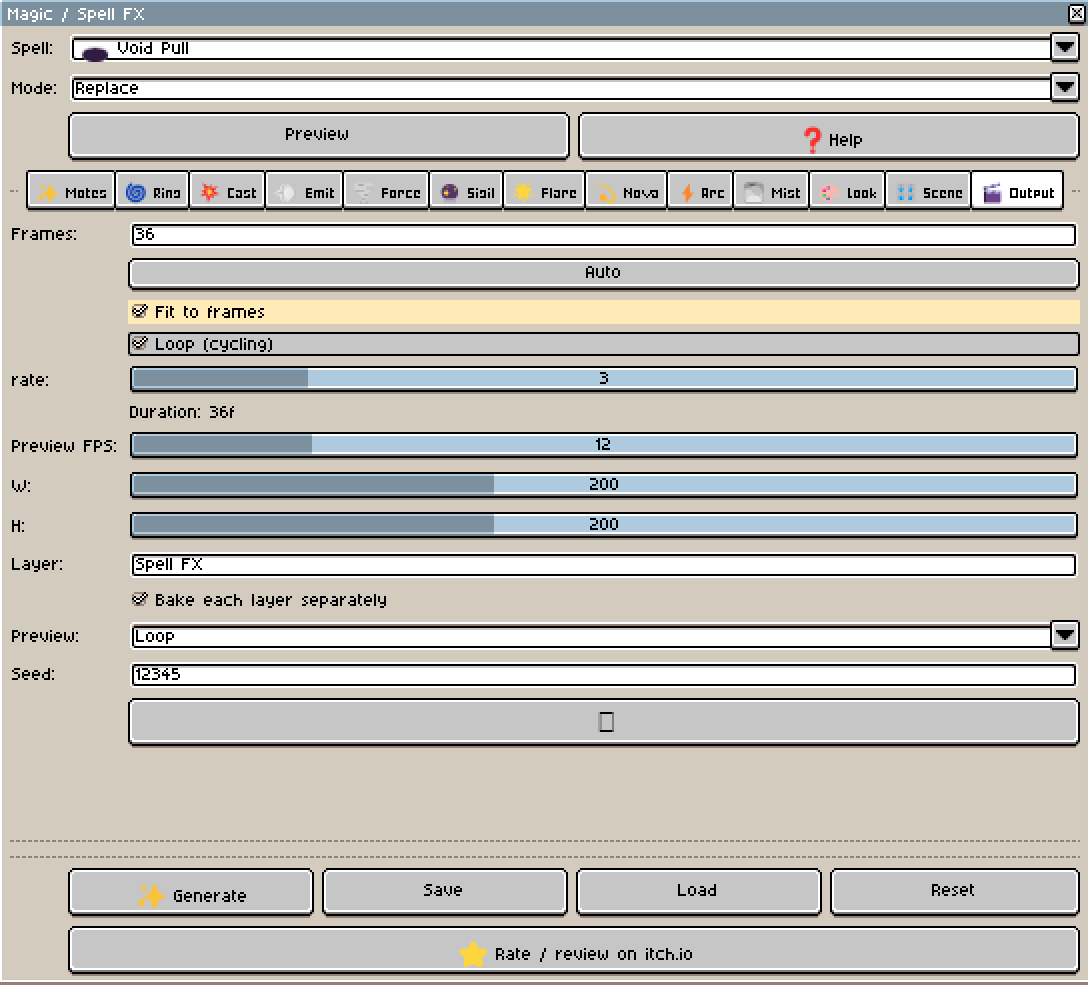
🎬 Flexible Animation Output
- Control exactly how the generated animation is created.
- Choose:
- Total frame count
- Simulation FPS
- Output width and height (up to 512×512)
- Fit to Frames
- Custom output layer name
- Separate layer output
Fit to Frames — Automatically remaps the complete effect so it fills exactly the number of frames you specify.
Separate Layers — Bake Sigil, Flare, Nova, Motes, Mist, and Arc into their own individual Aseprite layers instead of one merged layer. This makes it easy to continue editing individual parts of the spell after generation.
🎲 Deterministic Generation
- Every spell uses a seeded random system.
- Same seed + same settings = identical result.
- This makes it easy to reproduce a spell exactly, experiment with variations, and keep your animations consistent.
➕ Combine Presets
- Use Add Mode to build more complex spells by combining different presets.
- For example:
- Sigil + Nova + Mist
- or
- Motes + Arc + Flare
- This allows you to use existing presets as building blocks instead of creating every spell from zero.
💾 Save & Load Your Settings
- Save your favorite configurations to disk and reload them anytime, on top of the 50+ built-in spell presets.
- Use your own custom settings as a starting point for future spells instead of rebuilding your workflow every time.
💡 Perfect For
Magic / Spell FX Generator can be used for:
- 🔮 Summoning circles & rituals
- 🕯️ Spell casts & charge-ups
- 🌀 Teleportation & portals
- 🛡️ Wards, shields & buffs
- ✨ Holy magic
- 🟣 Dark / shadow magic
- ⚡ Elemental bolts & lightning
- 🧚 Auras & ambient wisps
- ☝️ Healing effects
- ☄️ Meteor & elemental impacts
- 🎮 General RPG & fantasy game VFX
🔧 How to Use
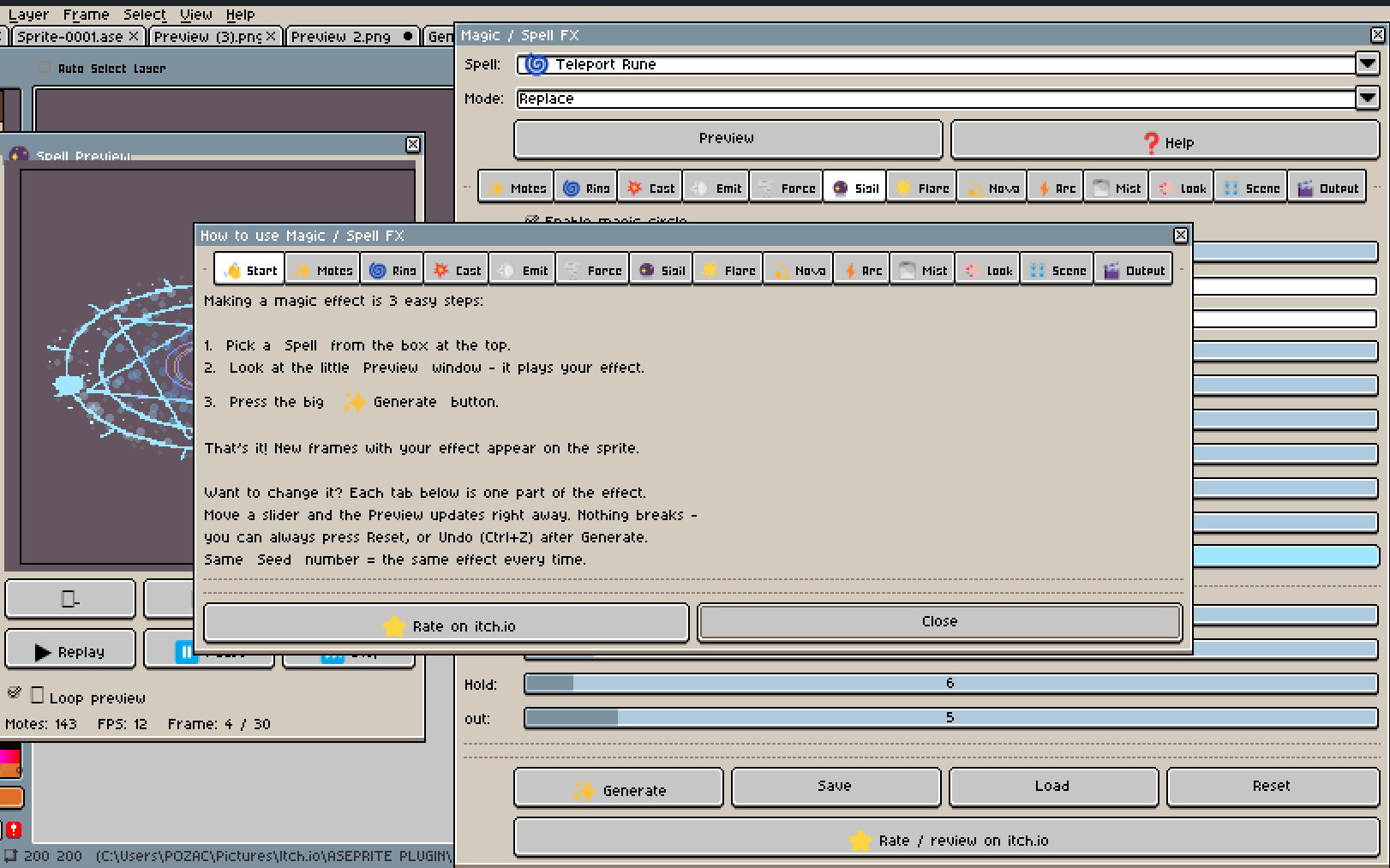
- Open your sprite or create a new sprite in Aseprite
- Open Magic / Spell FX
- Choose a spell preset
- Select Replace or Add mode
- Enable or disable the layers you want
- Adjust the effect parameters
- Customize colors and palettes
- Set the effect size, speed, direction, and timing
- Preview the animation in real time
- Choose your frame count and output settings
- Generate the animation
- Continue editing the generated frames directly in Aseprite
🎨 Designed for Pixel Art
Magic / Spell FX Generator is designed around procedural rasterized shapes and frame-based animation rather than smooth vector effects.
You get actual pixel-art frames that you can continue editing manually after generation.
No external VFX software required.
Pairs naturally with Impact / Explosion FX and Particle System 2D:
Use Particle System 2D for looping ambient effects, Impact / Explosion FX for punchy one-shot hits, and Magic / Spell FX for spellcasting and magical VFX.
All three share the same deterministic engine, so they behave consistently together.
✅ Compatibility
Requires Aseprite with Lua scripting support.
Latest stable version of Aseprite is recommended.
🎨 LOOKING FOR HAND-CRAFTED PIXEL ART VFX?
IF YOU PREFER READY-MADE, HAND-CRAFTED PIXEL ART EFFECTS INSTEAD OF A PROCEDURAL GENERATOR, CHECK OUT MY HAND-CRAFTED VFX ASSETS HERE:
All of my VFX assets are carefully hand-pixeled frame by frame, with attention to timing, shape, pixel placement, animation flow, and readability in-game.
Impact / Explosion FX is something different.
This plugin was created for artists and game developers who want to create their own VFX more easily, without having to draw every single frame from scratch.
It gives you a procedural starting point that you can customize, generate, and then continue editing directly in Aseprite.
So if you want ready-made, hand-crafted effects, check out my VFX asset packs above.
If you want to create your own effects with more control and less repetitive work, Impact / Explosion FX is made for you.
📜 License
You may use these assets in personal and commercial projects. Modification is allowed. You may NOT resell, redistribute, or include these assets in other asset packs or marketplaces. Credit is appreciated but not required.
💬 Feedback & Support
Found a bug, have an idea for a new spell preset, or created something cool with Magic / Spell FX Generator?
Feel free to leave feedback, suggestions, bug reports, or share your work.
⭐ Enjoying the Tool?
If Magic / Spell FX Generator helps speed up your pixel-art VFX workflow, please consider leaving a rating on itch.io.
It really helps support future updates and new Aseprite tools.
Enjoying this tool? Follow me for new releases, add it to your collection, and leave a rating if it was useful — it really helps a small studio like mine. 💛
You may use this tool in personal and commercial projects.
Modification is allowed.
You may NOT resell, redistribute, or include this tool in other asset packs or marketplaces.
Credit is appreciated but not required.
Enjoying this pack? Follow me for new releases, add this pack to your collection, and leave a rating if it was useful — it really helps a small studio like mine. 💛
Purchase
In order to download this asset pack you must purchase it at or above the minimum price of $3.99 USD. You will get access to the following files:


Leave a comment
Log in with itch.io to leave a comment.